How to Use Fireflies.ai for Team Meeting Workflows in 2026
.jpg)
How to Use Fireflies.ai for Team Meeting Workflows in 2026
Fireflies is useful only when it becomes part of a real workflow. Recording calls is not the finish line. The value appears when meeting transcripts turn into summaries, CRM notes, action items, client follow-ups, hiring feedback and searchable team knowledge. This guide shows how to use Fireflies for practical team workflows.
→ Start Fireflies Free✅ Setup Checklist⚙️ Workflows📊 Best Plan
This article is a tutorial, not another review. If you need feature scoring, read the Fireflies review. If you need plan choice, read the pricing guide. This page is about making Fireflies useful inside actual team operations.
SETUP CHECKLIST
Fireflies setup checklist before your first team workflow
1. Choose the meeting types
Do not record everything. Start with high-value calls: sales demos, client syncs, interviews, renewal calls and product research.
2. Connect calendar and video tools
Connect the meeting platforms your team already uses, then define when Fireflies should join calls automatically.
3. Set privacy and consent rules
Make sure your team follows internal policy and local recording rules. Boring, yes. Important, also yes.
4. Create post-call ownership
Assign who reviews summaries, action items and CRM notes. Otherwise AI notes become another digital junk drawer.
5. Connect CRM or project tools
Use integrations when meeting data needs to move into HubSpot, Salesforce, Slack or other team systems.
6. Review weekly patterns
Use search and analytics to spot repeated objections, product requests and meeting-quality problems.
WORKFLOW PLAYBOOKS
5 Fireflies workflows for teams
1, Sales call workflow
Best for discovery calls, demos, objections and CRM follow-up
Use Fireflies to record the call, summarize decision points, capture objections, identify next steps and push context into the sales system.
AFTER-CALL ACTION
Review summary, check action items, update CRM fields and create follow-up tasks.
BEST PLAN
Business is strongest when sales teams need conversation intelligence, team analytics and storage.
2, Client meeting workflow
Best for agencies, consultants and account managers
Use Fireflies for client syncs, scope discussions, campaign reviews and handoffs. The main goal is to preserve what the client actually said.
AFTER-CALL ACTION
Send a clean recap, confirm decisions, assign owners and attach notes to the client account.
BEST PLAN
Pro can work for solo consultants; Business is better when multiple team members need access.
3, Recruiting interview workflow
Best for hiring teams and candidate review
Use Fireflies to summarize interviews, compare candidate answers and preserve hiring feedback. Keep sensitive hiring notes handled carefully.
AFTER-CALL ACTION
Extract role-fit notes, skills evidence and follow-up questions for the next interview round.
BEST PLAN
Pro is usually enough unless the hiring team needs shared archives and admin controls.
4,Customer success workflow
Best for onboarding, renewals and support escalation
Use Fireflies to track onboarding promises, renewal risks, unresolved blockers and customer sentiment across calls.
AFTER-CALL ACTION
Log risks, next steps, product requests and renewal signals into the account record.
BEST PLAN
Business is usually better for customer success teams that need shared visibility.
5, Product research workflow
Best for user interviews, feature requests and voice-of-customer research
Use Fireflies to capture user interviews, tag recurring pain points and search customer language later.
AFTER-CALL ACTION
Tag quotes, cluster themes, summarize pain points and share insights with product or marketing.
BEST PLAN
Pro can work for small research projects; Business helps when multiple teams need access.
PLAN BY WORKFLOW
Best Fireflies plan for each workflow
| Workflow | Recommended Plan | Why | Upgrade Trigger |
|---|---|---|---|
| Solo note-taking | Free or Pro | Good for testing transcripts, summaries and search. | Upgrade when call volume grows. |
| Client meetings | Pro or Business | Depends on whether one person or the whole team needs access. | Upgrade when client history gets messy. |
| Sales calls | Business | Conversation intelligence and team analytics matter more here. | Upgrade when CRM follow-up becomes revenue-critical. |
| Customer success | Business | Shared visibility, meeting history and analytics help account teams. | Upgrade when renewal risk depends on call context. |
| Compliance-heavy teams | Enterprise | Enterprise controls matter when legal, security or procurement requirements apply. | Upgrade when SSO, private storage or retention controls are required. |
MISTAKES TO AVOID
Common Fireflies workflow mistakes
❌ Avoid this
- Recording every meeting without a clear reason.
- Never reviewing summaries or action items.
- Using AI notes without consent or privacy policy checks.
- Letting transcripts sit outside CRM or project tools.
- Assuming summaries replace human judgment.
✅ Do this instead
- Use Fireflies for high-value calls first.
- Assign one owner for post-call cleanup.
- Create templates for sales, client and CS workflows.
- Push key context into CRM or project systems.
- Review trends weekly for repeated issues and opportunities.
RELATED GUIDES
Frequently asked questions
How do you use Fireflies for team meetings?
Connect Fireflies to your calendar and meeting tools, decide which meetings it should join, review summaries after calls, assign action items and sync important context into your CRM or project system.
What is the best Fireflies workflow for sales teams?
Can Fireflies sync meeting notes to CRM tools?
Which Fireflies plan is best for workflows?
Should every meeting be recorded with Fireflies?
Ready to build your Fireflies workflow?
Start free, connect your key meeting tools, test Fireflies on sales or client calls first, then upgrade only when the workflow clearly saves time or improves follow-up quality.
→ Start Fireflies Free🏷️ Fireflies Deals📊 Pricing Guide
WORKFLOW SCORE
9.1Fireflies Team Workflow Fit
Sales calls9.3
Client meetings9.1
Recruiting8.6
Customer success9.0
Try Fireflies Free
Best starting point for testing sales calls, client meetings and team summaries.
IN THIS GUIDE
BEST WORKFLOW PICK
Fireflies Business
Best for sales, client calls, customer success and team-wide meeting intelligence.
Start Fireflies →View Store Deals →
Popular Blog

SEOWriting.ai for Affiliate Publishers 2026: Product Reviews, Roundups & WordPress Workflows

Kingbull E-Bike Review 2026: Models, Pricing, Pros, Cons & Verdict

SEOWriting.ai vs Jasper 2026: Which AI Writing Tool Is Better for SEO Content?

SEOWriting.ai Pricing 2026: Plans, Credits, Free Articles & Which Plan Fits Your Workflow
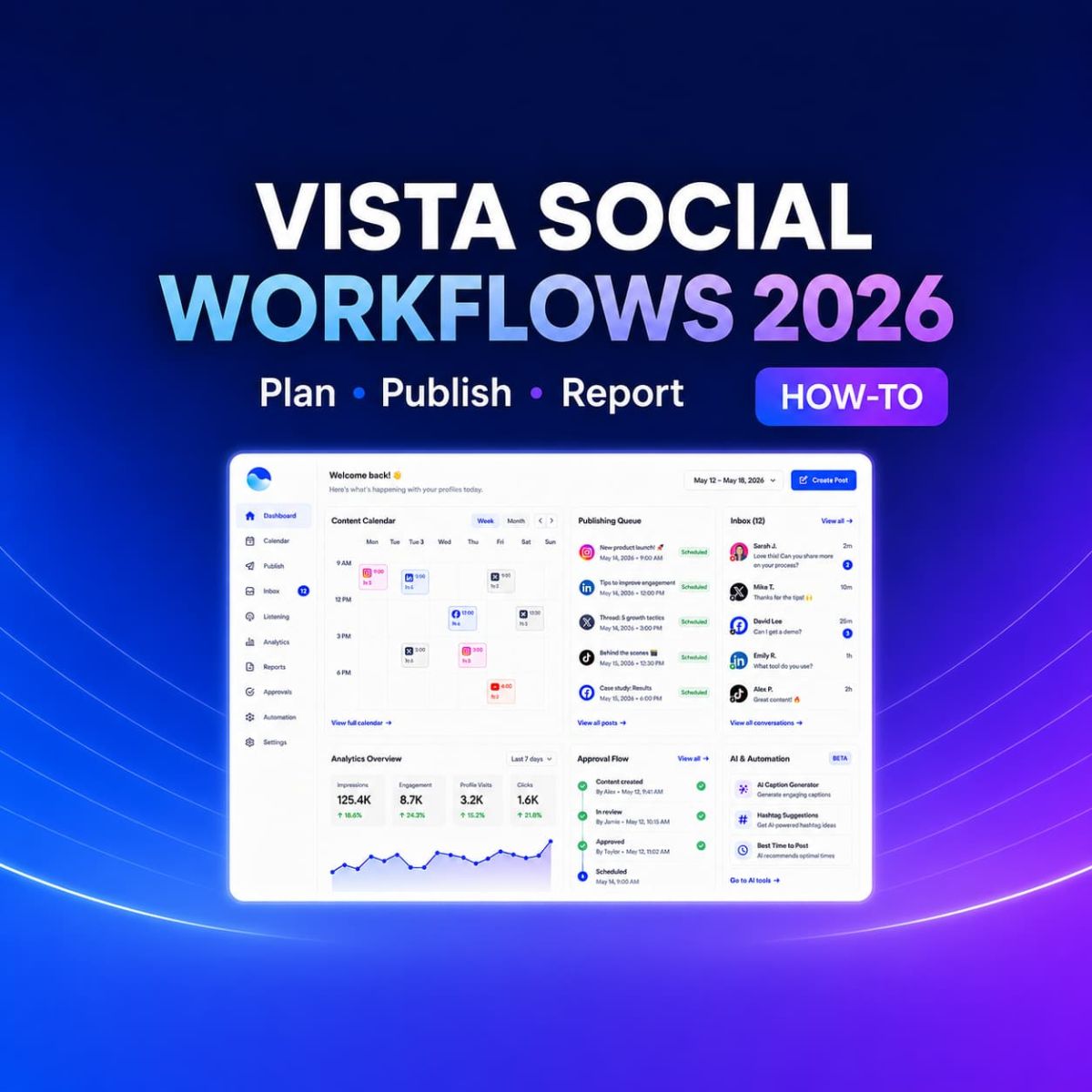
How to Use Vista Social for Social Media Management Workflows in 2026
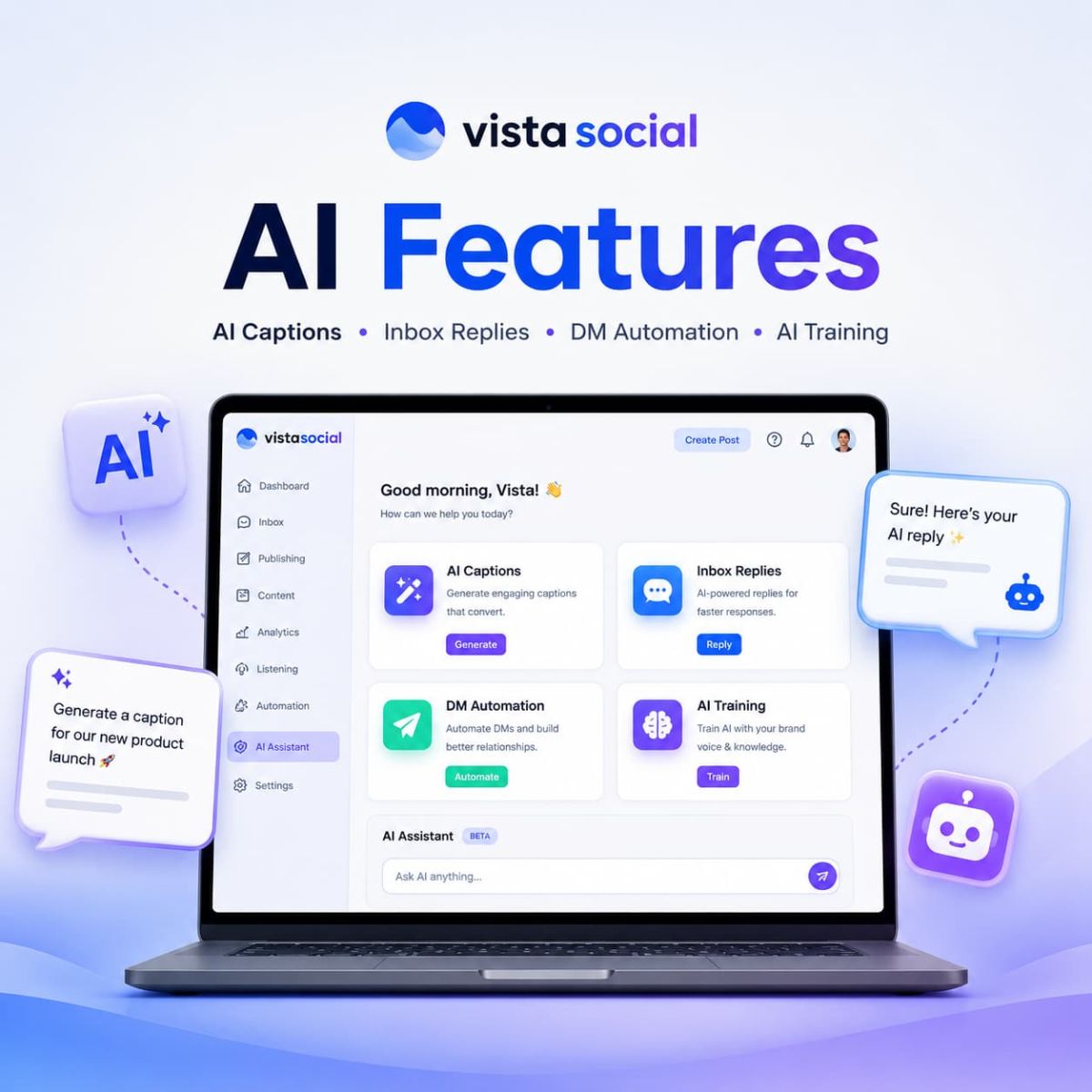
Vista Social AI Features 2026: AI Captions, Inbox Replies, DM Automation & AI Training
Company
Popular Blog


